Hear it in your language.
Translate selected-tab audio into any of the 78 documented Gemini Live Translation languages through your Gemini API account.
English
→
Tiếng Việt
Español
+75
Hear web audio in all 78 Gemini Live Translation languages. Follow along with bilingual captions, and keep the original sound within reach.
Available for desktop Chrome. The Edge Add-ons listing is coming soon.
A Gemini API key is required. Google API fees may apply.
 Audivoya
Choose how you listen, read and stay in control.
Translate selected-tab audio into any of the 78 documented Gemini Live Translation languages through your Gemini API account.
View original and translated captions. Export VTT when you want a copy; timestamps follow caption arrival.
Adjust each volume, follow the main player's speed, pick how long a session may run, or use Audio monitor to listen locally without AI uploads.
Choose any language documented for Gemini Live Translation, including Chinese Simplified and Traditional, and Portuguese for Brazil and Portugal.
Based on Google’s Live Translation language list, checked October 3, 2026. Availability follows the supported model; quality varies by language and source. This is provider-documented support, not a listening benchmark in every language.
Start a session when you choose. Move between videos on the same website while the control panel is closed.
Use a supported website in desktop Chrome or Edge, with media you have permission to process.
Enter your key in the extension. Review Google's audio-sharing notice, fees and account terms.
Choose Start dubbing, or Start with sync window for a delayed picture. Control volumes and captions. Stop anytime from the panel or with Alt + Shift + S.
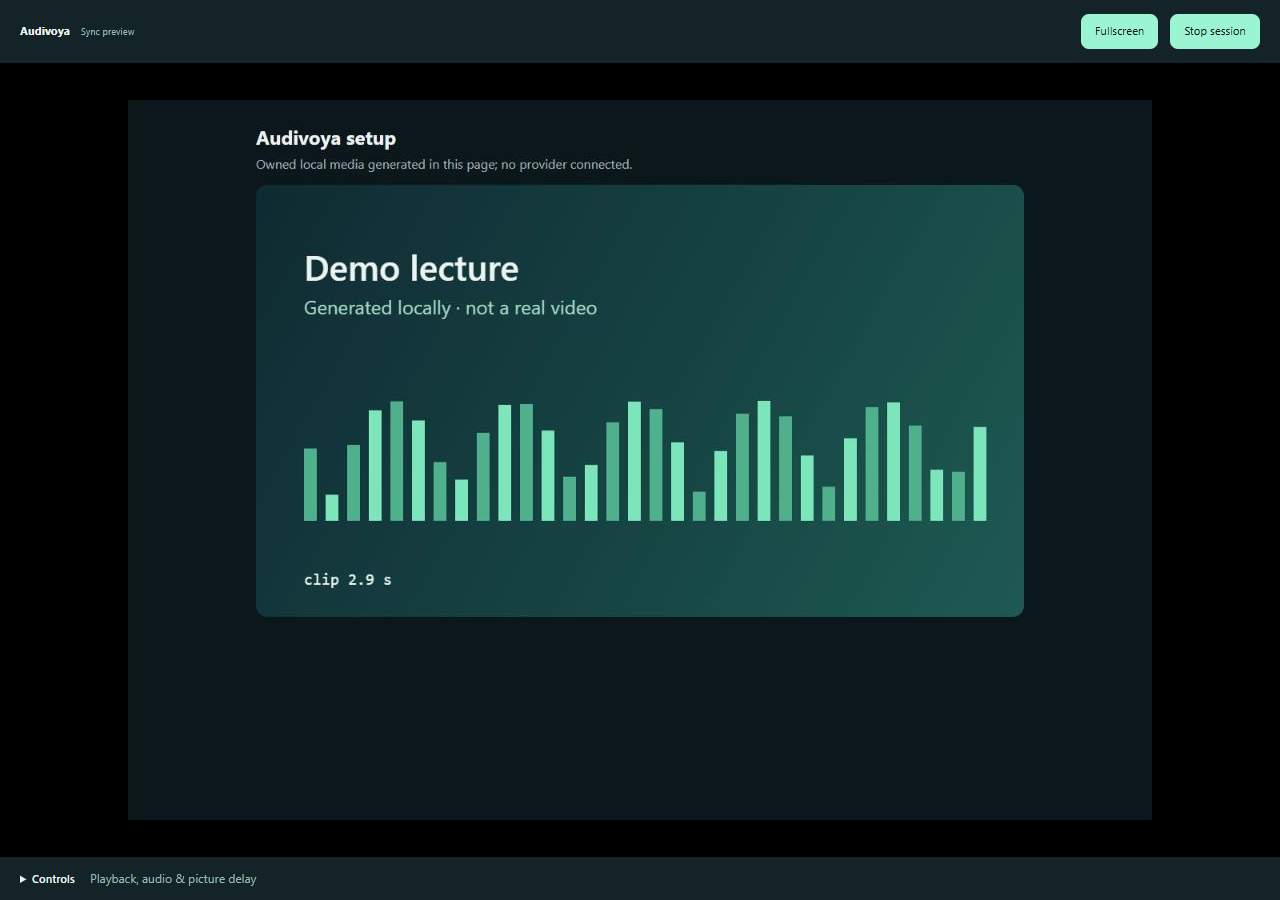
Start with sync window opens an experimental viewer that buffers the picture on your device while translation continues. Adjust the delay to improve the viewing experience.
It adds a viewing delay; it does not speed up AI inference. Translation timing and accuracy vary, and exact word alignment is not guaranteed.
Learn about synchronized viewingDubbing sends selected-tab audio directly to Google. Your provider account determines its fees and data-use terms.
No developer-operated audio server. Google processes dubbing requests under its own terms.
The latest candidate encrypts it in this browser profile and restores it automatically. No extra app, password or cloud sync. Forget key removes the saved record.
No automatic audio capture. No developer analytics or advertising. Optional sync pictures stay on your device.
Common questions about requirements, delay, and usage.
Yes. Audivoya is available in the Chrome Web Store for desktop Chrome. The Edge Add-ons listing is still coming soon.
Yes, for dubbing. The extension uses your Gemini API account. Google API charges, quotas, regional access and data-use terms apply. Audio monitor works locally without a provider key.
No. Translation needs processing time and enough speech context. Delay depends on your connection, content, model and playback speed. The optional sync window delays the picture to improve presentation alignment.
The current release is available for desktop Chrome. The Edge Add-ons listing is being prepared. All 78 languages documented for Gemini Live Translation are supported by the Chrome release. See the full language list. Live dubbing on Firefox, Safari and mobile is not available. Website and protected-media compatibility varies.
Dubbed audio follows the main observable HTML player within 0.25×–4×. Some embedded or custom players do not expose their speed. Faster playback does not accelerate Gemini inference and can reduce translation quality.
Yes. Under Audio & settings, Stop automatically after offers 5, 15, 30 and 60 minutes, 2, 3, 4 and 8 hours, or Never. The default is 60 minutes. With Never, capture and audio sent to Google continue, and Google API fees may accrue, until you press Stop, close the tab or leave the website.
Install the Chrome release today. The Edge listing is coming soon.